AE.
Home
About
Certificates
CV
Blog
Startups
Skip to content
  1. Blog/
  2. Run IronValet with Docker or build it locally

Run Guide · March 29, 2026

Run IronValet with Docker or build it locally

The local, containerized, and portable Windows setup paths.

By Ali Emami

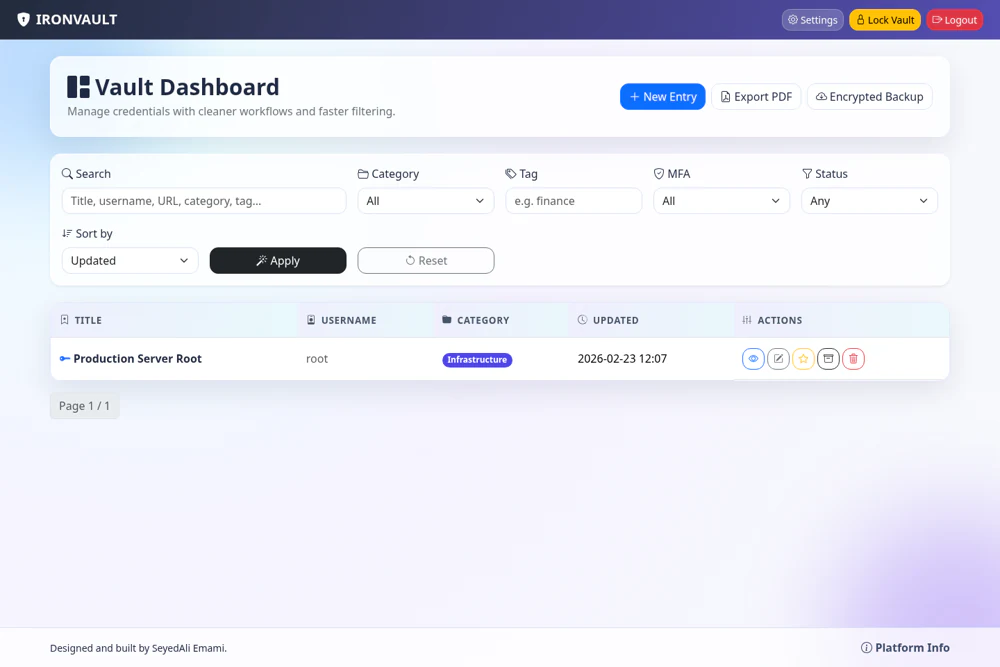
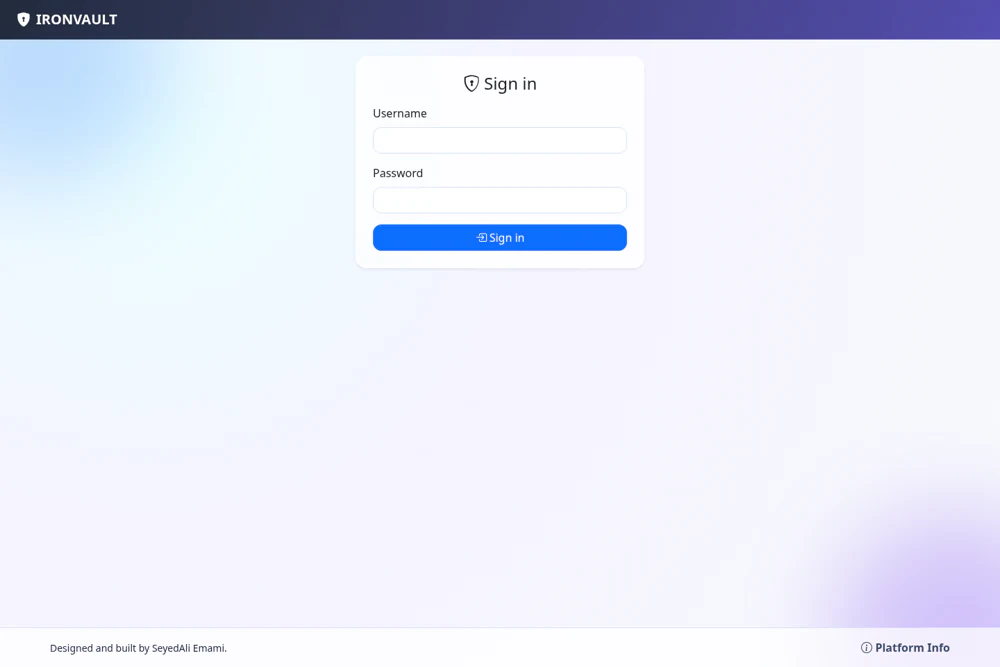
IronValet / IRONVAULT supports local Flask development, Docker deployment, and a portable Windows build. IronValet login

Local runtime

Use this path to inspect the setup flow or develop directly: start.py prepares directories, environment configuration, and database setup before Flask starts.

Docker deployment

Create .env from the example and replace the placeholders. Review SECRET_KEY, DATABASE_URL, VAULT_ENCRYPTION_KEY, and SECURE_COOKIES; the SQLite URL stays relative for portability. Create the initial admin when needed: IronValet vault list

Portable Windows build

Persistence and limits

Back up ./instance/ironvault.db, ./uploads/, and .env. While SQLite is active, run a single application instance; scale-out requires PostgreSQL or MySQL.
Protect the backup boundary
The database, uploads, and environment secrets are all required for a complete restore.
IronValet case study
Share this post:

Continue

Recent notes

October 15, 2026Personal Projects

BraChi Is Getting Ready for Its First Beta

I'm getting BraChi ready for a small Android beta and sharing how I plan to learn from the first people who try it.

Read more →

October 15, 2026Nexa / IoT

Making My Two-Gang Light Switch Smart

I started bringing Nexa into the real room with a Wi-Fi two-gang switch, then recorded the circuit changes and short video updates along the way.

Read more →
SeyedAli Emami / Tehran

Made with curiosity.

A home for the things I make, learn, and keep running.
Say hello↗
© 2026 SeyedAli Emami
ProjectsAboutCertificatesBlogCVSitemap
LinkedInTop ↑
Python / Linux, macOS, Windows
pip install -r requirements.txt
python start.py
flask --app app run --host 0.0.0.0 --port 5000
Docker Compose
cp .env.example .env
docker compose build
docker compose up -d
docker compose logs -f ironvault
Admin initialization
docker compose exec ironvault flask --app app init-admin
Windows package
python start.py
python software/build_ironvault_portable.py

# output
software/dist/IRONVAULT_Portable/