March 31, 2026

Complete Docker Removal

Complete Docker Removal hero image
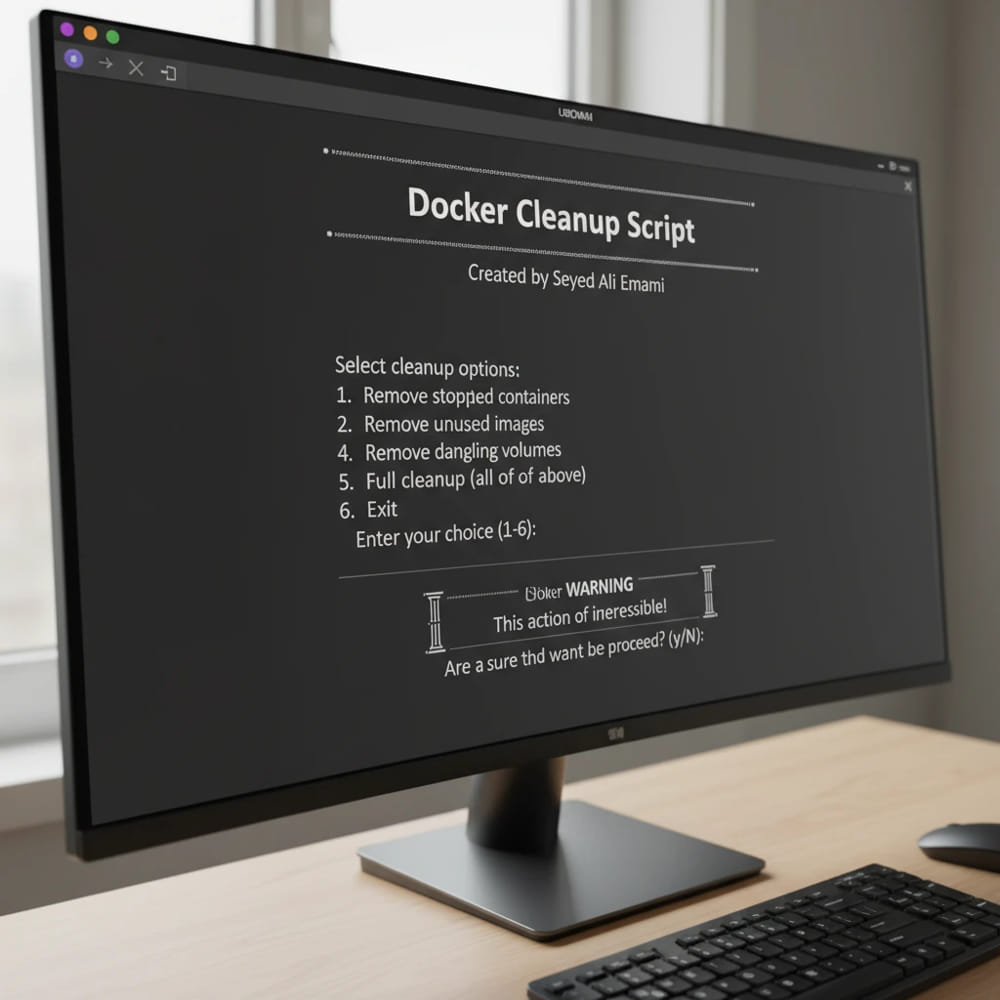
Complete Docker Removal is a practical Bash utility for Ubuntu servers that helps operators clean Docker environments in a controlled way. Instead of forcing one destructive action, the script provides a guided menu so you can choose exactly how deep the cleanup should go: from stopping running containers all the way to fully uninstalling Docker and removing related files. Complete Docker Removal script menu on Ubuntu In real systems, Docker cleanup often happens under pressure: low disk space, unstable old environments, migration to new infrastructure, or recovery after repeated test deployments. Manual cleanup is easy to get wrong. This project turns the process into a repeatable workflow with explicit options and confirmation prompts. The script exposes clear operation modes so you can run targeted cleanup tasks without guessing commands. You can remove specific Docker assets such as:
  • containers,
  • images,
  • volumes,
  • and networks,
without immediately uninstalling Docker itself. For decommissioning or complete reset scenarios, the tool can perform end-to-end cleanup, including Docker packages and related directories. Because deletion operations are destructive, the workflow includes confirmation steps to reduce accidental data loss. Complete Docker Removal is especially useful when you need:
  • a predictable cleanup routine across servers,
  • a less error-prone alternative to ad-hoc command chains,
  • and a practical reset path for old or broken Docker environments.
This project converts a high-risk maintenance task into a guided, repeatable operation that is easier to execute safely in production-like environments.
Open the GitHub repository

Related projects

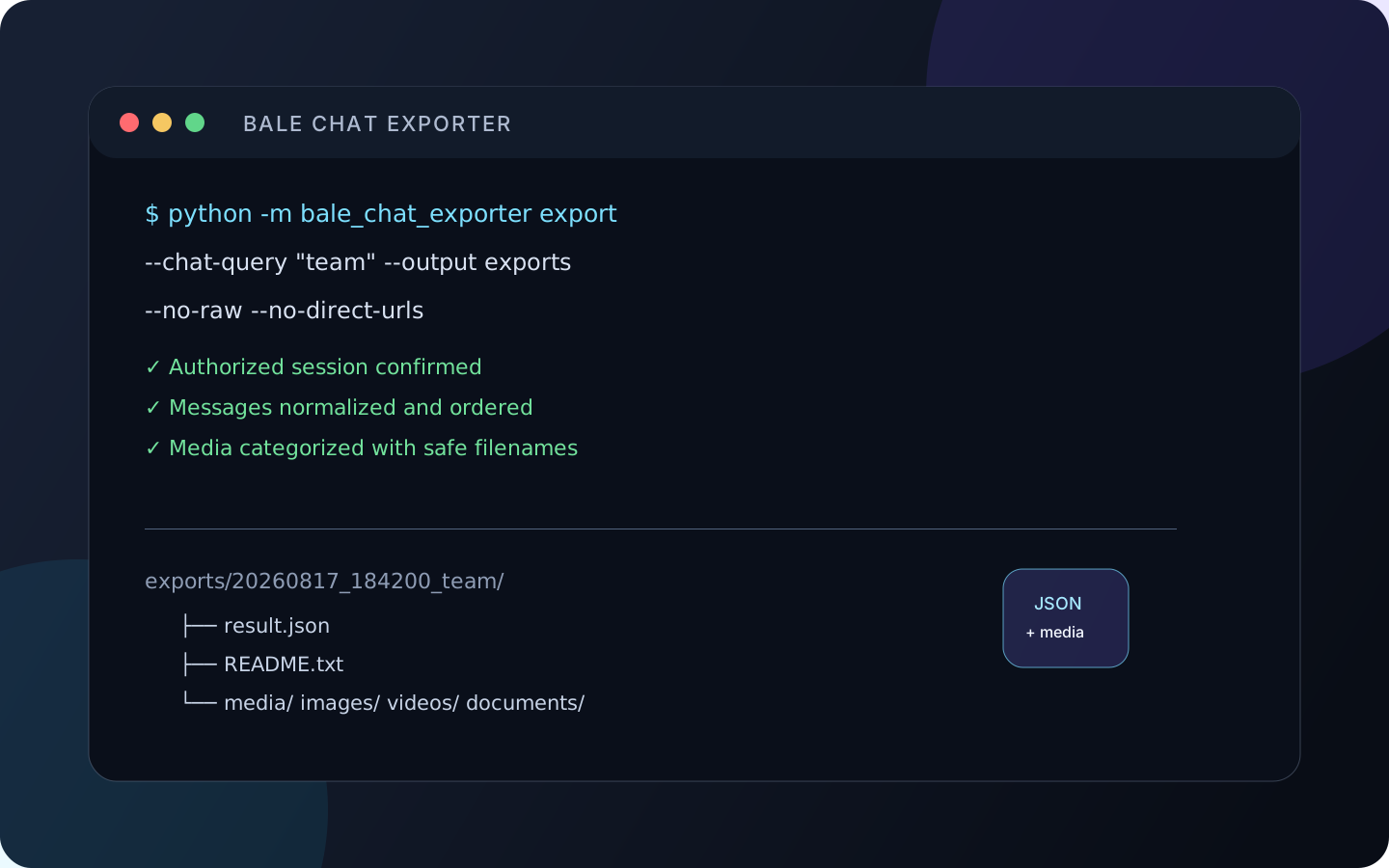
Bale Chat Exporter
A privacy-first Python CLI for exporting authorized Bale Messenger chats to structured JSON with optional local media downloads.
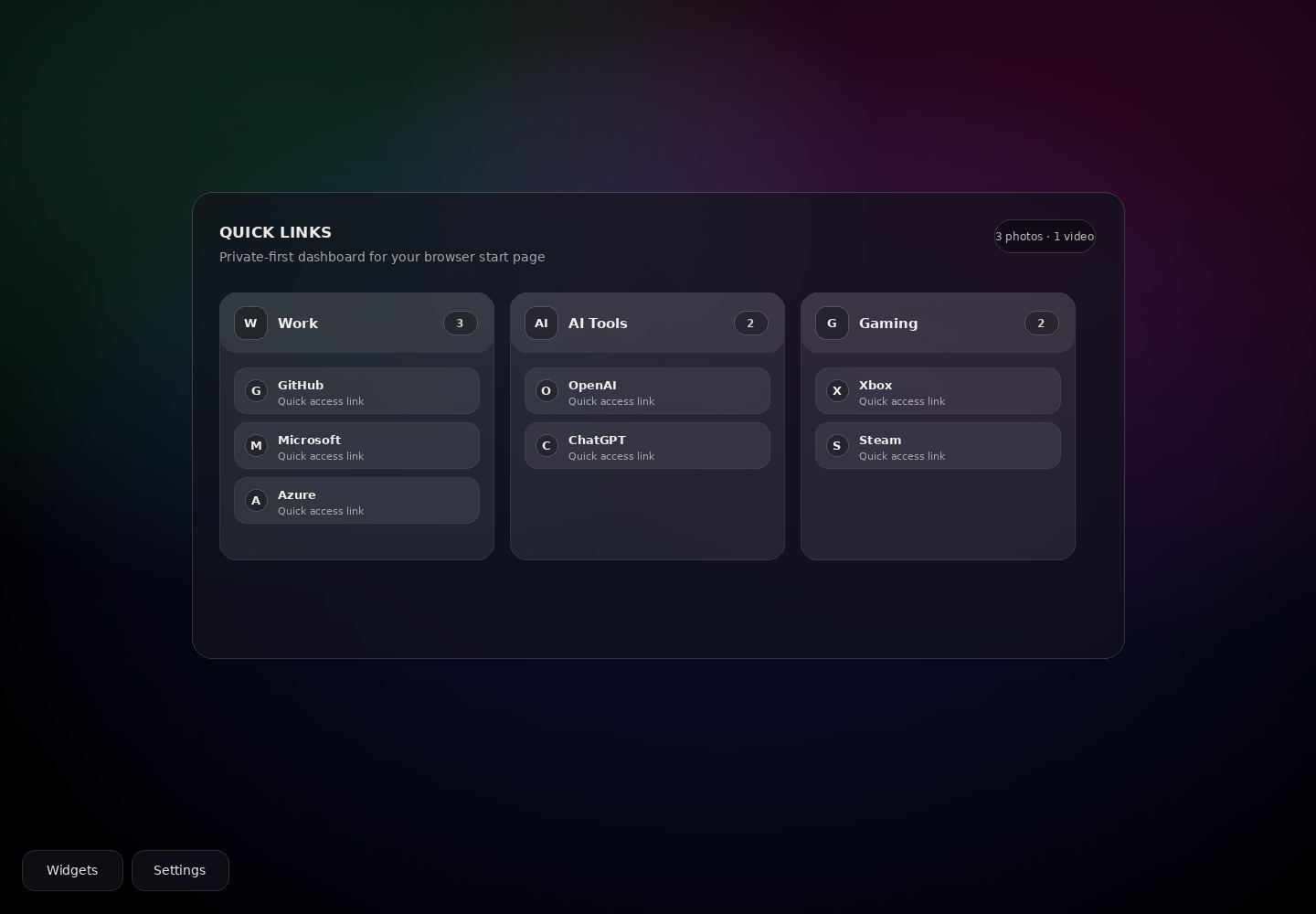
NeTab
A privacy-first Manifest V3 Chrome new-tab dashboard for grouped links, widgets, local settings, and custom media.